
AMCap is a Windows camera application for previewing and testing compatible USB UVC cameras. Goobuy customers can use it to verify live video, supported resolutions, video formats and available UVC controls before integrating a USB camera into their application.
AMCap is third-party software and is not developed by Goobuy.
AMCap is a lightweight Windows camera application for previewing and testing compatible USB UVC cameras. Goobuy customers can use AMCap to check live video, select supported resolutions and video formats, and access available UVC camera controls after connecting a USB camera to a Windows PC.
Download the English version of AMCap below to test a compatible USB UVC camera on Windows.
[Download AMCap for Windows] Note: AMCap is third-party software and is not developed by Goobuy. Available settings and controls depend on the connected camera model, firmware and supported UVC functions.
Connect your Goobuy USB UVC camera to the Windows PC using the applicable USB-A or USB-C connection.
Standard UVC-compatible cameras can normally be recognized by Windows through its built-in USB Video Class driver without requiring a proprietary Goobuy driver.
Open AMCap and go to:
Devices → Select Your USB Camera
If the PC has a built-in webcam or several cameras connected, select the correct external USB camera.
Go to:
Options → Preview
You should now see the live camera feed. This provides a quick first check that the camera, USB connection and Windows host are communicating correctly.
Open:
Options → Video Capture Pin
Depending on the connected Goobuy camera, AMCap may show different supported:
Video resolutions
Frame rates
MJPG or YUV formats
Use only resolution, frame-rate and format combinations supported by the camera.
Open:
Options → Video Capture Filter
Depending on the camera hardware and firmware, available controls may include brightness, contrast, exposure, white balance or focus.
Not every Goobuy USB camera supports every control displayed by AMCap.
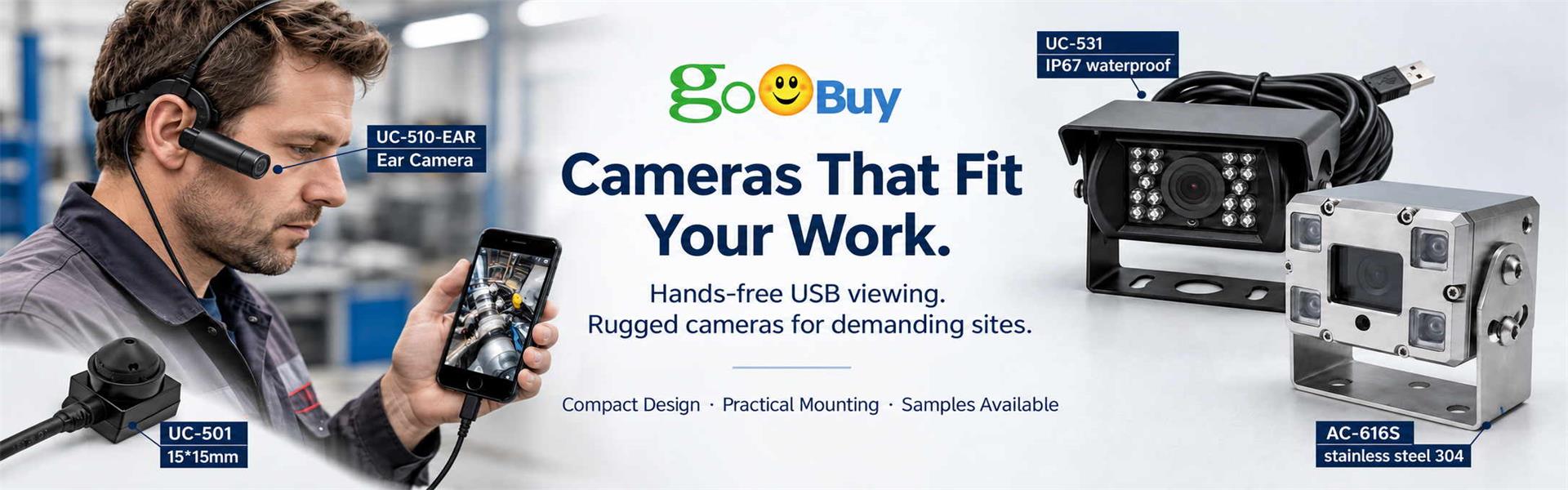
Goobuy provides compact USB UVC camera platforms for applications where a conventional webcam is too large, too exposed, or cannot place the lens at the required viewing position.
Our USB camera range includes solutions for:
Windows and Android external cameras
Tight-space inspection
Miniature metal USB camera heads
Waterproof USB cameras
Low-light USB cameras
Wide-angle and special-lens configurations
Goobuy platforms such as the UC-501 compact USB camera, UC-510 miniature metal USB camera, OV9734 slim inspection camera and selected rugged USB cameras can be evaluated on a Windows PC using compatible UVC camera software such as AMCap.
For sample evaluation, AMCap provides a convenient first step: buyers can confirm the basic video output before moving the camera into their own application, industrial terminal, inspection equipment or host system.
Custom software is usually unnecessary for the first camera check.
AMCap can help answer several basic questions quickly:
Does Windows recognize the USB camera?
Is the live video feed working?
Which resolutions and video formats are available?
Which frame rates are supported in the selected mode?
Which UVC camera controls are available?
After these basic functions are verified, OEMs and system integrators can continue validation with their own software or target application.
Goobuy focuses on compact camera solutions for tight-space and harsh-site applications.
When evaluating a Goobuy USB camera, provide your host device, operating system, required resolution, working distance, field of view, cable length and installation environment.
We can then help select an existing Goobuy USB camera platform and configure the lens, cable, connector, housing or camera form factor around the actual application instead of beginning with unnecessary custom development.
Follow Me
Address:A615, 6F, Huachuangda Building, No107 Xinghua 1st Road, 43 District, Xinan street, Baoan, shenzhen, China 518101